
The Role of DigiLocker in Tatkal Passport Applications: A Complete Guide
The Role of DigiLocker in Tatkal Passport Applications: A Complete Guide Applying for a passport under the Tatkal scheme is meant for situations where time is critical. Whether it is urgent travel, employment abroad, or an emergency, Tatkal applications are processed on priority—but with very strict documentation checks. In this fast-track system, DigiLocker plays a central role.
Today, DigiLocker is not just a supporting tool; it has become a core component of the Tatkal passport process. The Role of DigiLocker in Tatkal Passport Applications: A Complete Guide
Understanding DigiLocker and Its Purpose
DigiLocker is a Government of India initiative that allows citizens to store, access, and share authentic digital documents. These documents are issued directly by government departments, which makes them legally valid and tamper-proof. The Role of DigiLocker in Tatkal Passport Applications: A Complete Guide
For passport authorities, DigiLocker ensures:
- Authenticity of documents
- Faster digital verification
- Reduced dependency on physical paperwork
Why Tatkal Applications Depend Heavily on DigiLocker
Tatkal applications operate under compressed timelines. Manual verification of documents is time-consuming and prone to errors. DigiLocker bridges this gap by providing instant, verifiable data. The Role of DigiLocker in Tatkal Passport Applications: A Complete Guide
1. Faster Document Verification
One of the biggest advantages of DigiLocker in Tatkal applications is speed.
Through DigiLocker, passport authorities can instantly verify: The Role of DigiLocker in Tatkal Passport Applications: A Complete Guide
- Aadhaar details
- PAN information
- Date of birth records
- Address proofs
This eliminates:
- Repeated document submissions
- Delays caused by unreadable or mismatched photocopies
- Manual cross-verification
As a result, your application moves faster within the system.
2. Reducing Objections and Rejections
Tatkal applications are often rejected due to: The Role of DigiLocker in Tatkal Passport Applications: A Complete Guide
- Spelling mistakes in names
- Date of birth discrepancies
- Address mismatches
DigiLocker fetches data directly from issuing authorities, minimizing the risk of inconsistencies. When your application details match DigiLocker records, the chances of objections drop significantly.
3. Crucial Role in Police Verification
Police verification is a sensitive and mandatory step in the Tatkal process. DigiLocker simplifies this stage by allowing police departments to: The Role of DigiLocker in Tatkal Passport Applications: A Complete Guide
- Access verified documents digitally
- Initiate verification faster
- Reduce physical document checks
In many cases, this leads to same-day or next-day police verification progress, which is critical for Tatkal timelines.
4. Mandatory at Passport Seva Kendra (PSK)
At many Passport Seva Kendras: The Role of DigiLocker in Tatkal Passport Applications: A Complete Guide
- DigiLocker linkage is checked during your appointment
- Applicants are asked to fetch documents live from the DigiLocker app
If DigiLocker is not properly set up, even a Tatkal appointment can face avoidable delays.
5. Importance in Name, DOB, and Address Changes
Tatkal applications involving corrections or changes are scrutinized even more strictly. DigiLocker becomes essential when dealing with: The Role of DigiLocker in Tatkal Passport Applications: A Complete Guide
- Name change cases
- Date of birth corrections
- Address updates
Verified digital records provide strong supporting evidence, reducing back-and-forth communication with authorities.
Common DigiLocker Mistakes That Delay Tatkal Applications
Many applicants assume that simply creating a DigiLocker account is enough. In reality, delays occur when: The Role of DigiLocker in Tatkal Passport Applications: A Complete Guide
- Aadhaar is not linked properly
- PAN details are outdated
- Address information is not synced
- Documents are uploaded but not issued via DigiLocker
A partially set-up DigiLocker can be as risky as not having one.
Best Practices Before Applying Under Tatkal
To ensure smooth processing: The Role of DigiLocker in Tatkal Passport Applications: A Complete Guide
- Create and verify your DigiLocker account well in advance
- Link Aadhaar and fetch all relevant documents
- Ensure name, DOB, and address match your application exactly
- Update any incorrect records before booking a Tatkal slot
These steps significantly improve approval chances.
The Role of DigiLocker in Tatkal Passport Applications: A Complete Guide
How DigiLocker Improves Overall Tatkal Experience
With DigiLocker, applicants benefit from: The Role of DigiLocker in Tatkal Passport Applications: A Complete Guide
- Faster processing
- Lower rejection risk
- Reduced paperwork
- Smoother police verification
- Hassle-free PSK appointments
In a time-sensitive scheme like Tatkal, these advantages are invaluable.
. The “New Normal” for Passports
Gone are the days when you would haul a bulky file folder of photocopies to the Passport Seva Kendra (PSK) and pray the officer accepts them. The Role of DigiLocker in Tatkal Passport Applications: A Complete Guide
As of the latest Ministry of External Affairs (MEA) guidelines, DigiLocker is no longer just “optional”—it is the backbone of the application process.
- For Aadhaar Users: If you are using Aadhaar as proof of address or birth, linking via DigiLocker is now effectively mandatory to ensure your application isn’t flagged for manual (and slower) verification.
- For Tatkal Applicants: Speed is the currency. DigiLocker allows the backend systems to verify your documents before you even step inside the PSK office.
2. Why DigiLocker is Critical for Tatkal
The Tatkal scheme promises a passport dispatch within 1-3 days. To achieve this, the government needs to trust you fast. Here is how DigiLocker bridges that gap:
A. Pre-Verified Credibility The Role of DigiLocker in Tatkal Passport Applications: A Complete Guide
When you upload a scanned PDF of your marksheet, a human has to look at it and wonder, “Is this real?” When you “fetch” a document into DigiLocker, it comes directly from the issuer (e.g., CBSE, UIDAI, Transport Department). The Passport Seva system sees a green tick of digital authenticity. It doesn’t think the document is real; it knows it is. The Role of DigiLocker in Tatkal Passport Applications: A Complete Guide
B. Skipping the “Granting” Bottlenecks
In a Tatkal appointment, the longest wait is often at the “Granting Officer” counter (Counter C). If your documents are pulled from DigiLocker, the officer sees them as “verified at source.” This can reduce your interview time from 15 minutes to 2 minutes.
C. The 3-Document Rule
For Tatkal, applicants over 18 usually need to submit 3 specific documents (out of a list of roughly 13). Coordinating three physical originals and photocopies is a hassle. With DigiLocker, you can have your Aadhaar, Driving License, and PAN card all pre-linked. The Role of DigiLocker in Tatkal Passport Applications: A Complete Guide
3. The “Issued” vs. “Uploaded” Trap (Read Carefully!)
This is the most important section of this blog. If you skim everything else, read this.
Many people make a fatal error: The Role of DigiLocker in Tatkal Passport Applications: A Complete Guide
- They open DigiLocker.
- They click “Upload” and upload a PDF scan of their PAN card.
- This is useless for official verification.
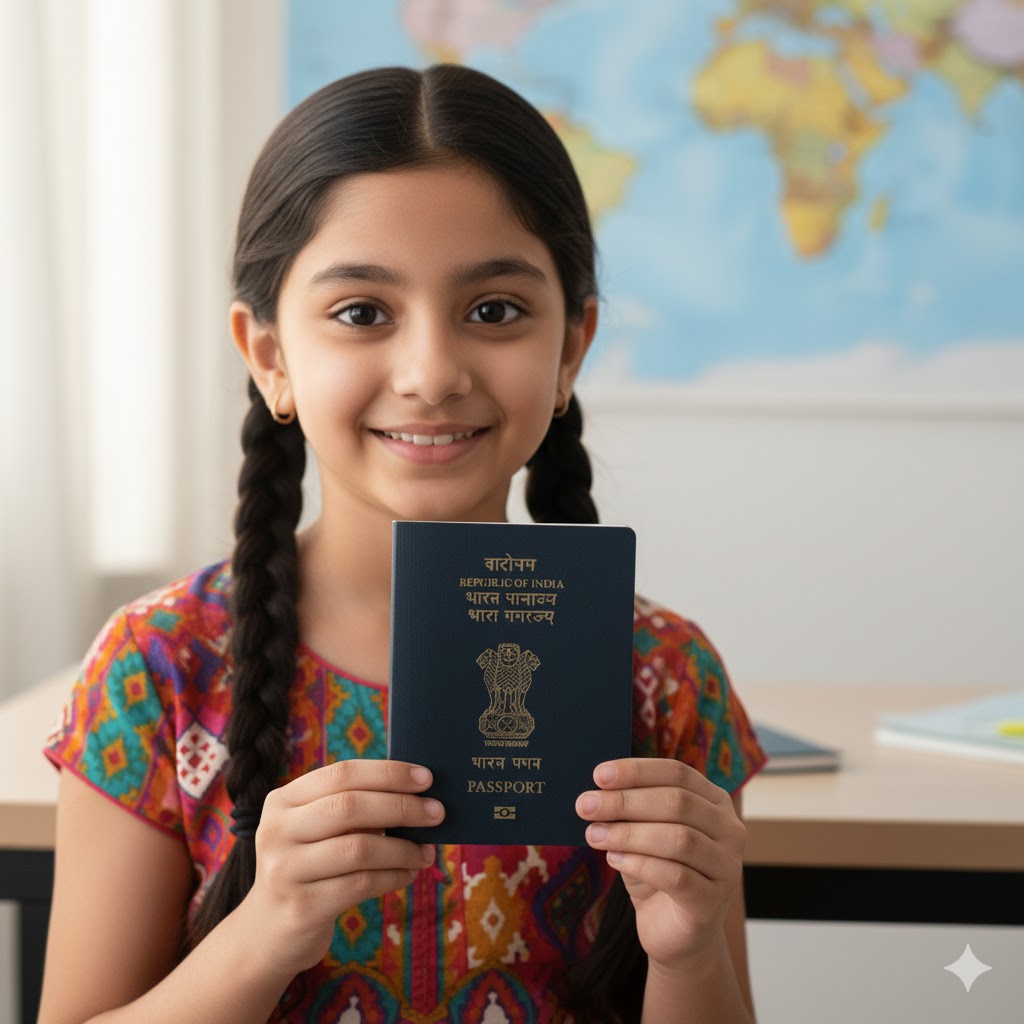
For Tatkal success, you must use “Issued Documents,” not “Uploaded Documents.”
- Uploaded Documents: Just a personal cloud storage (like Google Drive). The Passport office treats these as unverified user files.
- Issued Documents: You must use the search bar in DigiLocker, find the government agency (e.g., Income Tax Department), enter your details, and let the app “fetch” the official record. Only “Issued Documents” are accepted for the expedited data flow.
4. Step-by-Step: How to Use DigiLocker for Your Tatkal Application
Phase 1: Prep Your Locker
Before you even log into the Passport Seva website:
- Download & Register: Get the DigiLocker app and register using the mobile number linked to your Aadhaar.
- Fetch Documents: Go to the “Search” tab. Pull the documents you plan to use for Tatkal.
- Example: Search “UIDAI” for Aadhaar, “MoRTH” for Driving License, “Income Tax” for PAN.
- Ensure Names Match: Check that your name on these digital documents matches exactly. If your License says “Amit Kumar” and your Aadhaar says “Amit Kumar Sharma,” this is a red flag for Tatkal.
Phase 2: The Application
- Login to Passport Seva: Start your application on passportindia.gov.in.
- Grant Access: During the application (or via the “DigiLocker” link on the home screen), you will be asked to “Grant DigiLocker Access.” Click Yes.
- Select Documents: The portal will show you a list of documents available in your DigiLocker. Select the ones you want to submit as proof.
- Submit & Pay: Complete the Tatkal payment and book your slot.
Phase 3: The Appointment
Even though you used DigiLocker, bring your original physical documents.
- Why? Technology can glitch, and some PSK officers may still ask to see the physical card for a final visual check (especially for Tatkal).
- The Difference: You won’t need self-attested photocopies if the officer can see the DigiLocker verified tag, but carrying the originals is the “safety net” you should not skip.
5. Frequently Asked Questions (FAQ)
Q: Can I use DigiLocker if my mobile number is not linked to Aadhaar? A: No. The entire ecosystem relies on Aadhaar OTP authentication. You must link your mobile to Aadhaar first.
Q: Does using DigiLocker guarantee a Tatkal passport in 1 day? A: It guarantees faster processing. However, Police Verification is the final hurdle. For Tatkal, police verification often happens after the passport is issued (Post-PV), provided your documents (via DigiLocker) are rock solid.
Q: Which documents work best on DigiLocker for Tatkal? A: The “Holy Trinity” for smooth processing is usually Aadhaar + PAN Card + Driving License (or Class 10 Certificate). These three are most easily integrated into the DigiLocker system.
Conclusion
In 2026, applying for a Tatkal passport without DigiLocker is like trying to board a flight with a paper ticket when everyone else is using mobile boarding passes. You can do it, but you are choosing the slower, more cumbersome path.
DigiLocker shifts the burden of proof from you to the government’s own databases. For a Tatkal applicant, where every hour counts, this integration is your best friend.
Ready to apply? Stop gathering photocopies. Pick up your phone, open DigiLocker, and “fetch” your way to your next destination.
Conclusion
The role of DigiLocker in Tatkal passport applications has evolved from optional to indispensable. In a system where speed and accuracy define success, DigiLocker ensures both.
If you are planning to apply under Tatkal, setting up and verifying DigiLocker should be your first step, not the last. A well-prepared DigiLocker account can save you days of delay, repeated visits, and unnecessary stress.